If you ship software, you are used to a workflow: you cut a release, tag the repo, and everyone knows exactly which bits went out the door. You can point teammates and users at a single page with a version number, notes, and downloadable artifacts.
Hardware usually does not feel that way. Product development cycles are long, and the design phase alone can stretch for months. Even when additive manufacturing makes it fast to turn a digital design into a physical part, the process around handing off a design (what changed, which files to use, what to send to a manufacturer) often still looks like scattered exports and filenames you have to decode by hand.
When we built MakerRepo, we kept asking the same question: what can we borrow from how software teams work? We already treat CAD as code, run CI on every push, and host artifacts in the browser. The next step was obvious: shouldn’t cutting a product design release be as straightforward as creating a Git tag and pushing it?
Today we’re excited to announce Releases: tag your repository, publish a release on MakerRepo, and the platform packages the artifacts from that revision into a single, shareable snapshot, just like a software release.
Here’s a quick walkthrough:
What a release is
A release ties a Git tag to a frozen build of your project. When you publish a release, MakerRepo takes the artifacts produced for that tagged revision and bundles them into a package you can link to directly.
That matters for the same reasons it matters in software: you get an immutable reference (the tag), a human-readable story (release title and notes), a single place to point collaborators, manufacturers, or your own notebook six months later when they need that exact version of the design, and a straightforward way to communicate with customers about what changed in a newer version.
If you are already exploring manufacturing as code, this is the workflow piece that makes a public or internal “build” feel like a shipped product rather than yet another folder of STLs.
How to create a release
The flow is intentionally small and familiar if you have used Git tags elsewhere.
-
Create a Git tag for the commit you want to ship. Use whatever naming convention fits your project (for example
v1.2.0ortinyrack-1.2.0). -
Push the tag to your MakerRepo remote so the platform knows about that revision:
git tag v1.2.0 git push origin v1.2.0 -
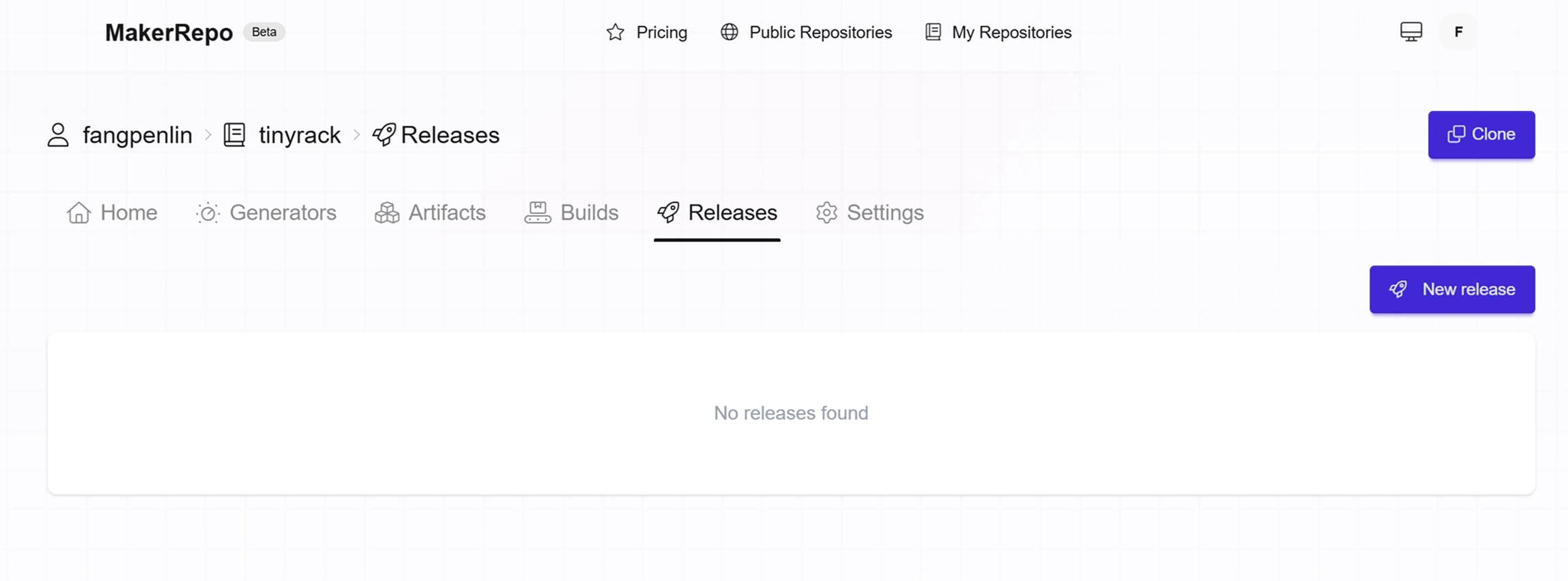
Open your repository on MakerRepo.com and go to the Releases page.
-
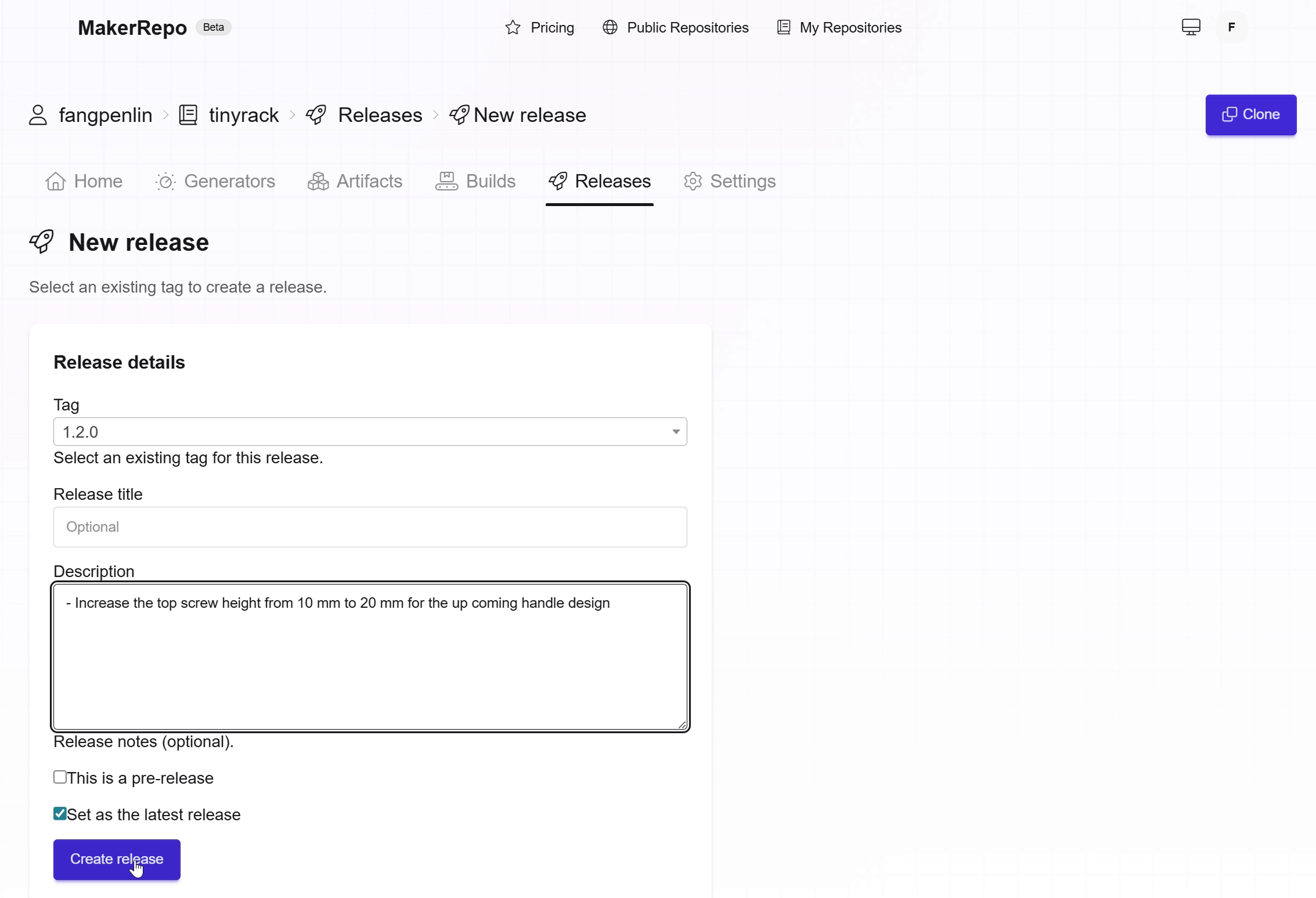
Click Create release, select the tag you pushed, and add an optional title and description if you want to summarize what changed.
-
After a short build, the package of artifacts for that tag becomes available on the release page.
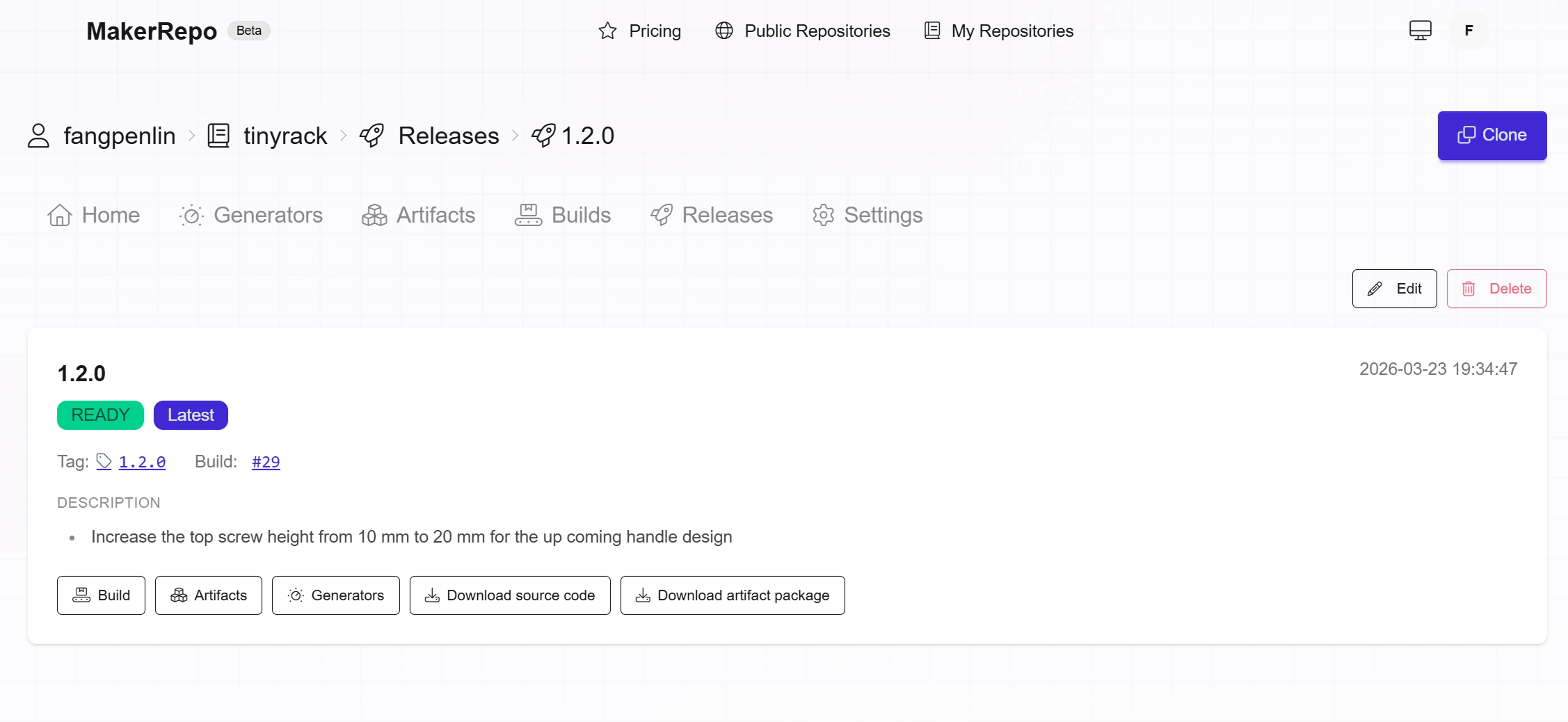
We pack everything neatly so you can share one link instead of chasing files across chat or email, whether you are sending a build package to a manufacturer or archiving what went out for a given milestone.
Example: TinyRack 1.2.0
We have been dogfooding releases on our own projects.
For TinyRack.io, we published release 1.2.0 on MakerRepo. The main change in that drop was raising the top screw height from 10 mm to 20 mm to make room for an upcoming handle design. Follow the release link if you want to see what a published release looks like end to end on MakerRepo.
With releases in place, it is obvious which version introduced that change and what artifact bundle belongs to it, without manually renaming exports or guessing which Git commit matched a particular print.
Works well with versioned models
Releases give you a stable, named snapshot in the cloud. If you also use versioned model on prototypes, the physical parts you print can carry a version mark that lines up with the same versioning story, which helps when you are iterating quickly and need both human-readable releases and parts you can tell apart on the bench.
Where this can go
Right now, a release still ends where a lot of hardware handoffs do: you download the model package and send it somewhere yourself. That is already a big improvement over hunting for the right export, but it is still a manual step between the digital snapshot and the physical world.
We have been thinking about what it would look like to borrow another idea from software: not just continuous integration, but continuous delivery. In software, CI proves the build; CD gets that build to an environment where it actually runs. For manufacturing, the parallel is tempting. What if you did not have to download and forward files at all? What if publishing a release could trigger the next step automatically: send the artifact bundle to a manufacturer so they can quote or cut a sample, or hand off to an in-house CNC or 3D printing farm that queues the job without someone copying files by hand?
None of that is a promise on today’s roadmap in detail, but the direction is the same one we have been chasing since manufacturing as code: a precise, repeatable mapping from the digital design to the right physical output. Once that mapping is trustworthy, the possibilities open up. Same tag, same artifacts, same story for humans, and eventually a straight line from “we shipped this release” to “this is what got machined or printed.” We are still early, but releases are a step toward that world.
Learn more
- Getting started: set up a repository and artifacts on MakerRepo.com
- Manufacturing as Code: how we think about code-first design and CI for hardware
Try publishing a release on your next milestone and tell us how it fits your workflow. Feedback and suggestions are welcome at support@makerrepo.com.